
Family Tree Maker 2019 (FTM 2019) is one of the most trusted genealogy tools in the USA. However, like any software, users often face technical issues while using Family Tree Maker Software.
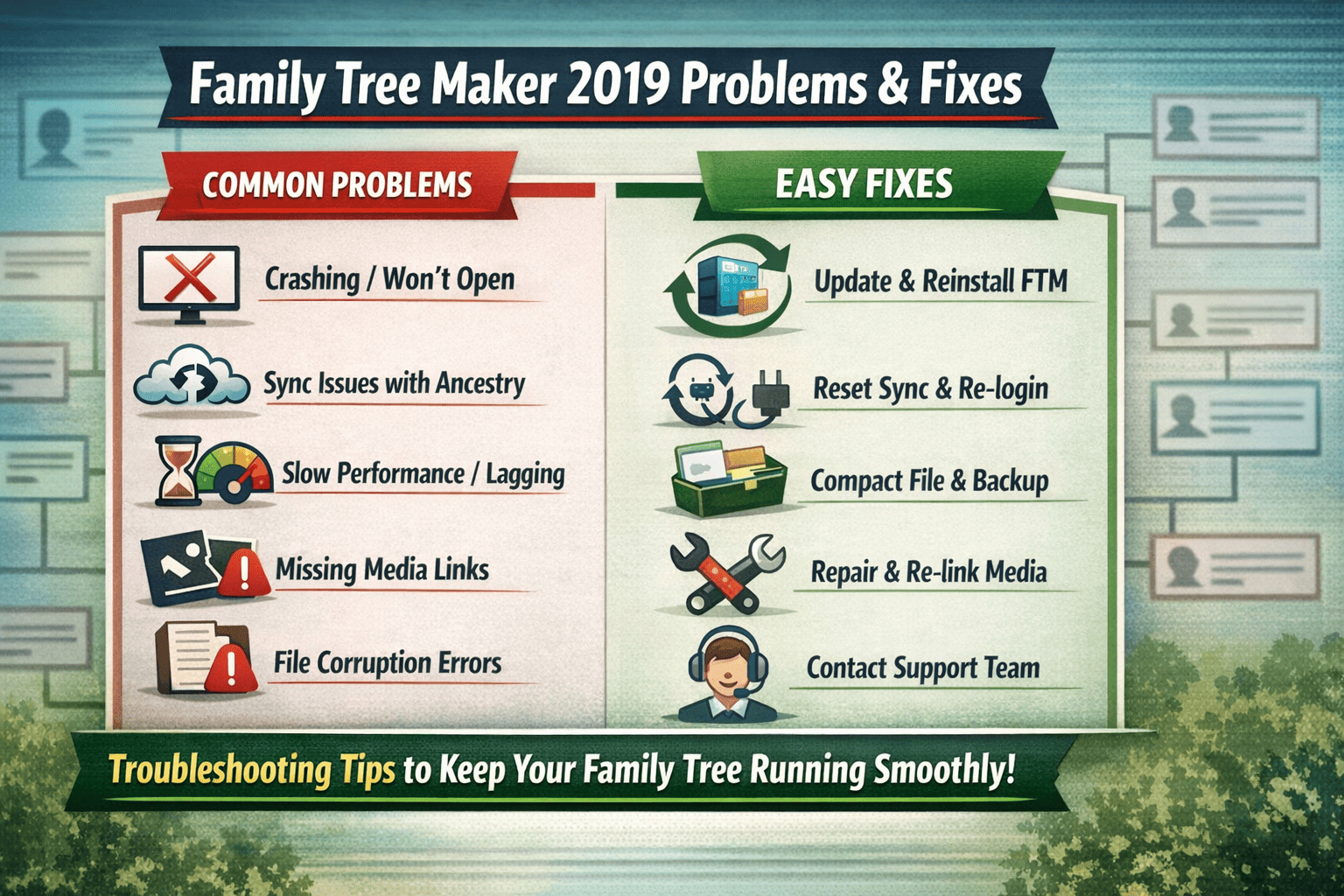
👉 If you’re struggling with errors, syncing issues, or performance problems, this guide will help you fix them quickly.
Quick Answer
✔️ Most Family Tree Maker 2019 problems can be fixed by:
- Updating the software
- Compacting the file
- Re-linking media
- Resetting sync
👉 No need to panic — most issues are easy to fix in minutes.
Top Common Problems in Family Tree Maker 2019
🔴 1. FTM 2019 Not Opening / Crashing
Problem
- Software crashes on startup
- FTM not launching properly
Fix
✔️ Restart your system
✔️ Run as Administrator
✔️ Reinstall the software
✔️ Check for latest updates
👉 Also ensure your system meets minimum requirements.
🔴 2. Sync Issues with Ancestry
Problem
- Tree not syncing
- Sync stuck or failing
Fix
✔️ Check internet connection
✔️ Log out and log back into Ancestry
✔️ Use “Sync Now” manually
✔️ Repair corrupted sync file
👉 Sync issues are among the most common FTM problems in the USA.
🔴 3. Slow Performance / Lagging
Problem
- Software runs slow
- Delay while loading trees
Fix
✔️ Compact File (Tools → Compact File)
✔️ Close background apps
✔️ Upgrade RAM if needed
✔️ Split large tree files
👉 Large family trees often cause performance issues.
🔴 4. Media Missing / Broken Links
Problem
- Photos not showing
- Media files missing
Fix
✔️ Use “Find Missing Media” tool
✔️ Re-link files manually
✔️ Restore from backup
👉 Always keep media in one organized folder.
🔴 5. Installation Errors
Problem
- Error during installation
- Setup not completing
Fix
✔️ Disable antivirus temporarily
✔️ Run installer as Administrator
✔️ Download fresh setup file
🔴 6. File Corruption Issues
Problem
- Tree file not opening
- Data loss risk
Fix
✔️ Restore from backup
✔️ Use Compact File tool
✔️ Create regular backups
👉 Backup is the most important step for safety.
🔴 7. Printer / Report Issues
Problem
- Charts not printing properly
- Reports misaligned
Fix
✔️ Update printer drivers
✔️ Adjust print settings
✔️ Export as PDF
🔴 8. Login Problems
Problem
- Unable to login to Ancestry
- Authentication errors
Fix
✔️ Reset password
✔️ Clear cache
✔️ Check server status
Performance Optimization Tips
👉 For USA users working with large genealogy data:
✔️ Compact your file regularly
✔️ Keep backups weekly
✔️ Avoid storing media on external drives
✔️ Update FTM 2019 frequently
✔️ Use SSD for better performance
When to Contact Family Tree Maker Support
👉 Contact Family Tree Maker Support if:
- File is completely corrupted
- Sync fails repeatedly
- Installation errors persist
- Data is missing
Expert Verdict (2026)
✔️ Family Tree Maker 2019 is still reliable
✔️ Most problems are fixable without technical help
✔️ Regular maintenance improves performance
👉 However, newer versions offer:
- Better speed
- Fewer bugs
- Improved syncing
Final Conclusion
✔️ FTM 2019 problems are common but manageable
✔️ With the right fixes, you can continue using it smoothly
🚀 But for long-term use:
👉 Consider upgrading for better performance and fewer issues
FAQs
❓ Why is Family Tree Maker 2019 so slow?
➡️ Large tree size and lack of optimization can cause slow performance.
❓ How do I fix sync issues in FTM 2019?
➡️ Re-login to Ancestry and reset sync.
❓ Can corrupted files be recovered?
➡️ Yes, using backup or compact file tools.
❓ Is Family Tree Maker Software still supported?
➡️ Yes, but newer versions have better support.