
Does Family Tree Maker support multiple languages? This is a common question among genealogy enthusiasts who are researching family histories that cross borders and cultures. Family Tree Maker (FTM), developed by Software MacKiev, is a widely used genealogy program for organizing and preserving ancestry data. Although the software’s interface is primarily in English, it supports multilingual content in several important ways. Let’s explore how it works.
Current Language Support in Family Tree Maker
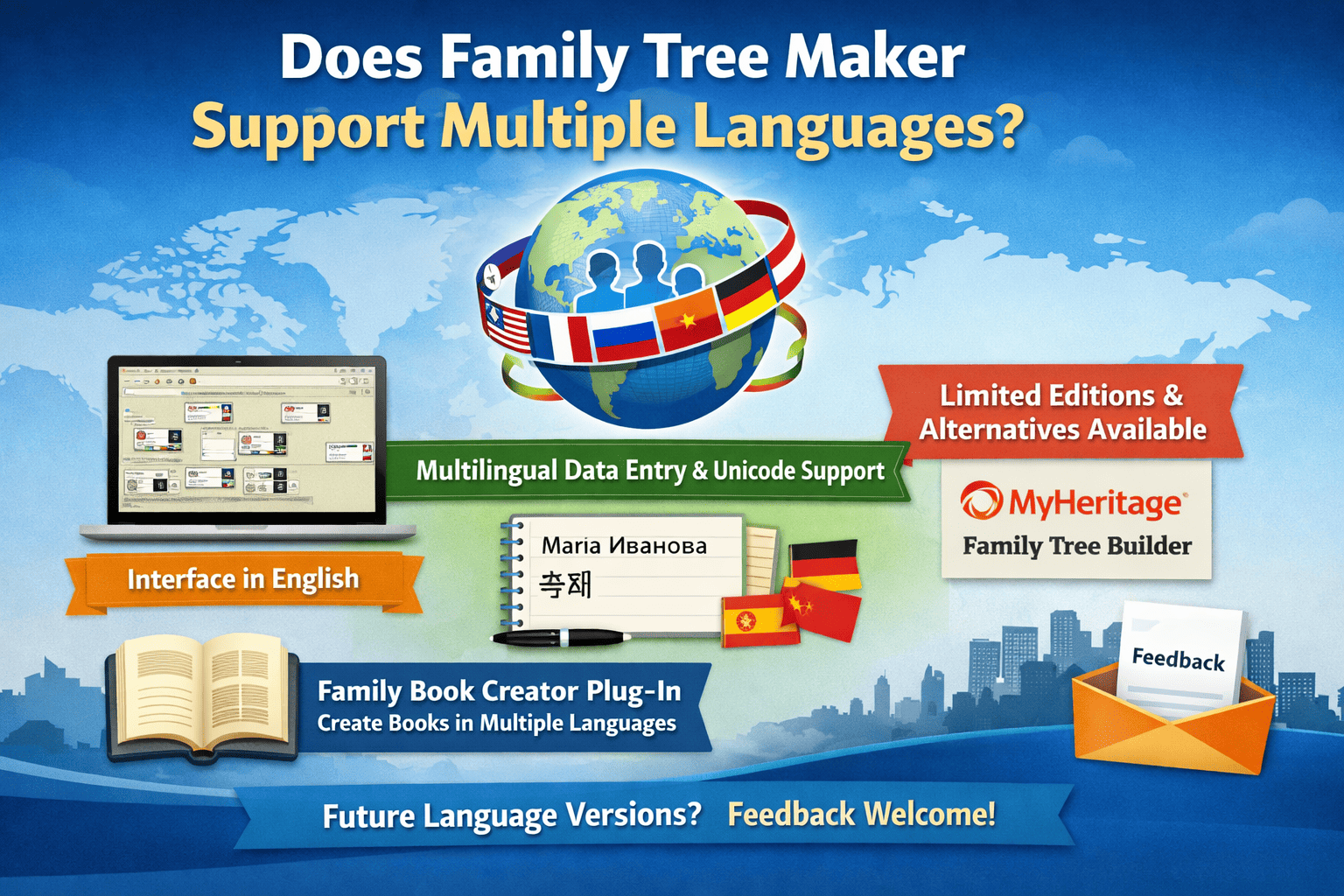
At present, Family Tree Maker’s interface is available only in English. According to official information, the developers are evaluating the possibility of localized versions, but no additional language editions have been released yet. As a result, menus, buttons, and help documentation remain in English, which works well for many users but can be challenging for non-native speakers.
That said, FTM performs very well when it comes to handling multilingual data. Users can enter names, locations, notes, and descriptions in multiple languages and scripts, including non-Latin alphabets such as Cyrillic and Hebrew. Because the software supports Unicode, international characters display and save correctly. This makes it easy to document family histories that span regions such as Europe and Asia, using languages like German, Spanish, or Chinese without technical issues.
Multilingual Capabilities via Add-Ons
One notable feature is the Family Book Creator plug-in, which works alongside Family Tree Maker. This add-on allows users to generate family history books in several languages, including Danish, Dutch, French, German, Italian, Norwegian, and Spanish. While it translates structural elements like headings and chapter titles, it preserves the original data exactly as entered—making it ideal for sharing family histories with relatives in different countries.
Additionally, syncing with Ancestry.com enhances multilingual usability. Since Ancestry supports multiple site languages, Family Tree Maker’s FamilySync feature helps transfer data smoothly between platforms, expanding accessibility even though FTM itself is not fully localized.
Limitations and Practical Workarounds
Despite its strengths, Family Tree Maker does not currently offer full interface translations. Older limited editions—such as the German version of FTM World Express released in 2013—are no longer supported. Users who require a fully multilingual interface may want to explore alternatives like MyHeritage Family Tree Builder, which supports dozens of languages.
As a workaround, Family Tree Maker allows exports to GEDCOM files, which can be opened in other genealogy programs that support different interface languages. Users can also adjust font settings through Tools > Options to improve readability for foreign scripts.
Future Possibilities for Language Expansion
Software MacKiev encourages users to submit requests for new language versions through a feedback form. This indicates potential future expansion, particularly in regions with strong demand. As genealogy research continues to grow globally, broader language support could significantly increase Family Tree Maker’s appeal.
Conclusion
So, does Family Tree Maker support multiple languages? Not entirely when it comes to the user interface—but yes when it comes to data entry and output through plug-ins and integrations. It remains a strong option for English-speaking users managing international family trees, with the possibility of expanded language support in the future. If a fully multilingual interface is a priority, alternative software may be a better fit. Be sure to check the latest updates from the developers for any changes.