
If you’re using Family Tree Maker 2019 (FTM 2019), you might be wondering:
👉 “Should I upgrade to Family Tree Maker 2024 or stick with what I have?”
With new updates, improved performance, and modern genealogy tools, Family Tree Maker Software has evolved significantly. In this guide, we compare FTM 2019 vs 2024 based on features, speed, usability, and long-term value for users in the USA.
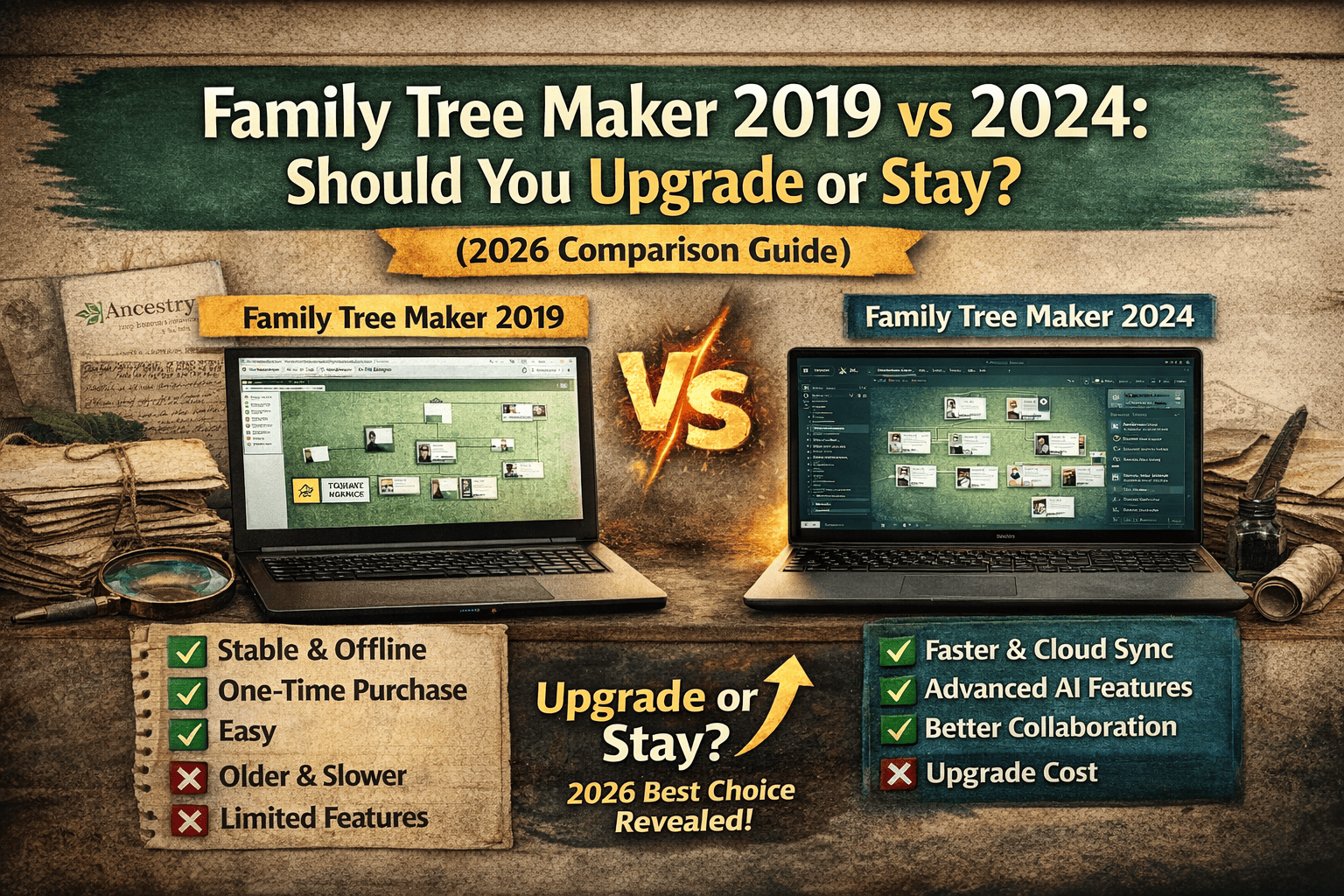
Quick Answer
✔️ Upgrade to FTM 2024 if:
- You want faster performance
- Need modern features & cloud syncing
- Work with large family trees
✔️ Stay on FTM 2019 if:
- Your current setup works fine
- You prefer offline usage
- You don’t need advanced tools
Overview: Family Tree Maker 2019 vs 2024
| Feature | Family Tree Maker 2019 | Family Tree Maker 2024 |
|---|---|---|
| Release | Stable classic version | Latest upgraded version |
| Speed | Good | Faster & optimized |
| Features | Basic + reliable | Advanced + modern |
| Cloud | Limited | Enhanced cloud tools |
| UI | Traditional | Improved interface |
👉 FTM 2019 is stable, but FTM 2024 is future-ready.
Key Feature Comparison
🔹1. Performance & Speed
- FTM 2019: Reliable but slightly slower
- FTM 2024: Faster processing & smoother navigation
➡️ Users report that FTM 2024 runs significantly faster than 2019
👉 Perfect for large family trees and heavy data usage.
🔹2. User Interface & Experience
- FTM 2019: Classic, slightly outdated
- FTM 2024: Modern, intuitive, customizable
➡️ New version offers a more streamlined interface and better visualization tools
🔹3. Cloud & Collaboration (Big Upgrade)
- FTM 2019: Basic syncing
- FTM 2024: Advanced cloud + collaboration
➡️ The new Connect Workspace allows easy sharing and collaboration with family members
👉 Ideal for families working together on genealogy.
🔹4. Media & Photo Management
- FTM 2019: Basic photo tagging
- FTM 2024: Smart Albums & AI tools
➡️ FTM 2024 introduces automatic media organization and smarter categorization
🔹5. AI & Smart Features
- FTM 2019: Limited automation
- FTM 2024: AI-assisted tools
➡️ Includes:
- AI photo enhancements
- Smart hints
- Better data suggestions
🔹6. Security & Future Support
- FTM 2019: Limited future updates
- FTM 2024: Ongoing updates & support
➡️ FTM 2024 is more secure and future-proof with continuous improvements
Pros & Cons Comparison
✅ Family Tree Maker 2019
Pros:
- Stable and reliable
- One-time purchase
- Works offline
- Easy for beginners
Cons:
- Slower performance
- Outdated features
- Limited collaboration
✅ Family Tree Maker 2024
Pros:
- Faster and smoother
- Advanced cloud syncing
- AI-powered features
- Better collaboration tools
Cons:
- Upgrade cost (~$48)
- Slight learning curve
Performance Test (Real-World Use in 2026)
| Factor | FTM 2019 | FTM 2024 |
|---|---|---|
| Speed | 7/10 | 9/10 |
| Features | 7/10 | 9/10 |
| Ease of Use | 8/10 | 9/10 |
| Future Proof | 5/10 | 9/10 |
👉 Overall Winner: Family Tree Maker 2024
➡️ It offers a smoother, faster, and more secure experience
Who Should Upgrade?
✔️ Upgrade if you:
- Manage large genealogy databases
- Need collaboration with family members
- Want better performance and speed
- Plan long-term genealogy work
Who Should Stay on FTM 2019?
✔️ Stay if you:
- Already comfortable with current version
- Don’t need new features
- Prefer offline-only workflow
- Have budget constraints
Expert Verdict (2026)
👉 For USA users:
✔️ FTM 2019 = Reliable but aging
✔️ FTM 2024 = Modern, faster, and future-ready
➡️ The difference is now significant enough to justify upgrading for most users
Final Conclusion
✔️ If you want stability and basic usage → Stay with FTM 2019
🚀 If you want speed, features, and future growth → Upgrade to FTM 2024
👉 Best Choice in 2026: Upgrade to Family Tree Maker 2024
FAQs
❓ Is Family Tree Maker 2024 better than 2019?
➡️ Yes, it offers better speed, features, and collaboration tools.
❓ Can I still use FTM 2019 in 2026?
➡️ Yes, but it lacks modern features and updates.
❓ Is upgrading worth the cost?
➡️ Yes, especially for long-term genealogy work.
❓ Will my data transfer from 2019 to 2024?
➡️ Yes, migration is simple and supported.